Web Design Certificate
- VA-approved, facility code 25112332
- 162 hours
- In person in NYC
- $4,995
In this certificate program, you will become a well-rounded Web Designer and learn to design webpages, code them with HTML & CSS, and JavaScript, and build websites with WordPress, allowing you to create a diverse portfolio to showcase your skills to potential employers or clients.
Approved for VA education benefits under Noble Desktop, VA facility code 25112332. Verify in the VA GI Bill Comparison Tool.
This program includes
- 162 hours of live training. Project-based, in person at 185 Madison Avenue with an instructor in the room.
- 9 courses in the program. Each one a scheduled class, not a recorded lecture.
- 1 elective course. Included at no extra cost: AI for UX & UI Design.
- 1-on-1 mentoring. Time with an instructor outside of class, scheduled around your commitments.
- Free retake within one year. Repeat any class in the program at no cost.
- Class recordings. Available for 30 days after each class, so a missed session is recoverable.
- A verified certificate. Noble Desktop is licensed by the New York State Education Department.
- A VA certifying official. One of our School Certifying Officials submits your enrollment certification to VA so you are not chasing it.
- Interest-free payment plans. If your benefit leaves a balance: a pay-as-you-go installment plan, or Climb Credit. 0% interest, no fees.
- Job-search support. Portfolio review, resume, and interview preparation with an instructor. Support, not a placement promise.
Learn the Skills Guarantee™
Master the concepts and skills outlined in the program, or your tuition is refunded. It applies to every course here. See the full terms on nobledesktop.com/benefits.
Program overview
Special Limited Time Promotion : Receive our AI for UX & UI Design course for free when you register for this certificate program.
- Code Webpages with HTML, CSS & JavaScript:: Develop strong coding skills by using HTML to structure content, CSS to style and layout pages, and JavaScript to add interactive elements. Learn to build clean, functional websites from scratch that offer a smooth user experience.
- Build Websites Using WordPress:: Explore WordPress, the world’s most popular Content Management System (CMS). Learn to install themes, customize layouts using HTML and CSS, and add functionality through plugins, to build dynamic, easy-to-manage websites.
- Design Responsive Websites:: Learn to design websites using Figma, a design tool for real-time prototyping. Create layouts that adapt to different screen sizes for a seamless experience across desktop and mobile devices.
- Learn Front-End Development Tools:: Enhance your front-end development skills with advanced tools like Git for version control and Bootstrap for layout development. Learn to optimize websites for fast loading and functionality, ensuring your designs are ready for the web.
Projects you build
Work you produce in this program, the same examples shown on nobledesktop.com. Coursework you keep, not client work we place for you.
Learn to design and prototype with Figma
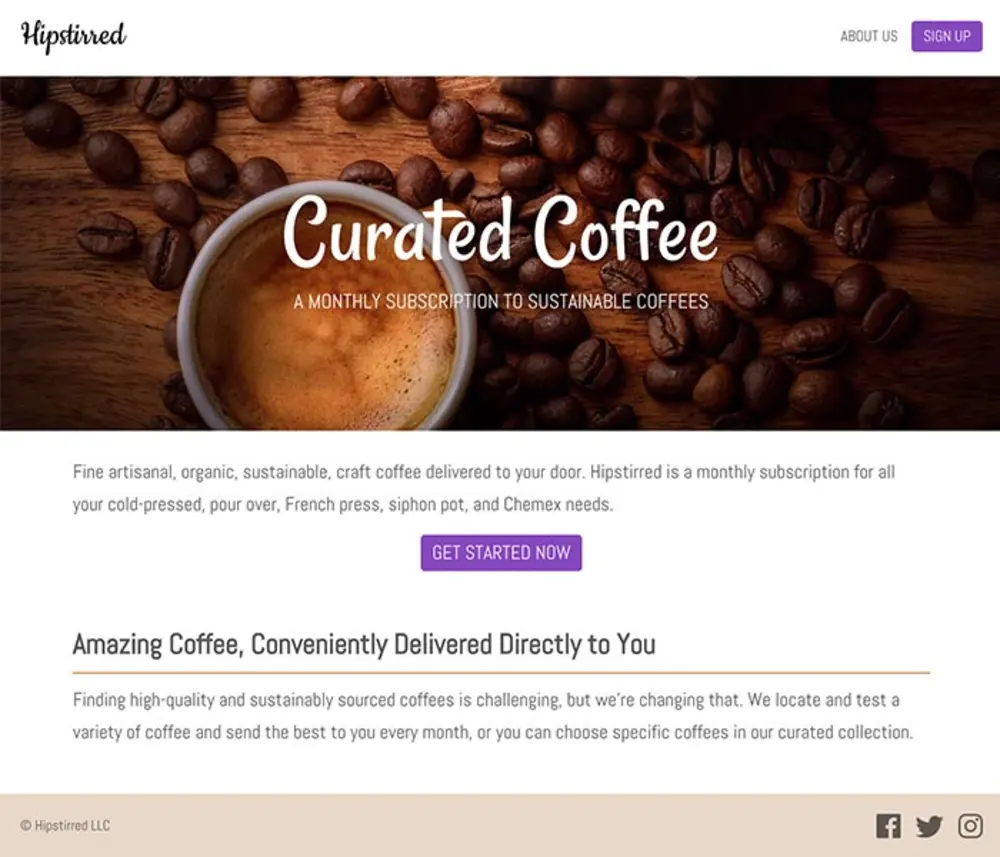
Coffee website coded with background images and icons
Use HTML & CSS to code layouts with images, text, links, call-to-action buttons, and more.
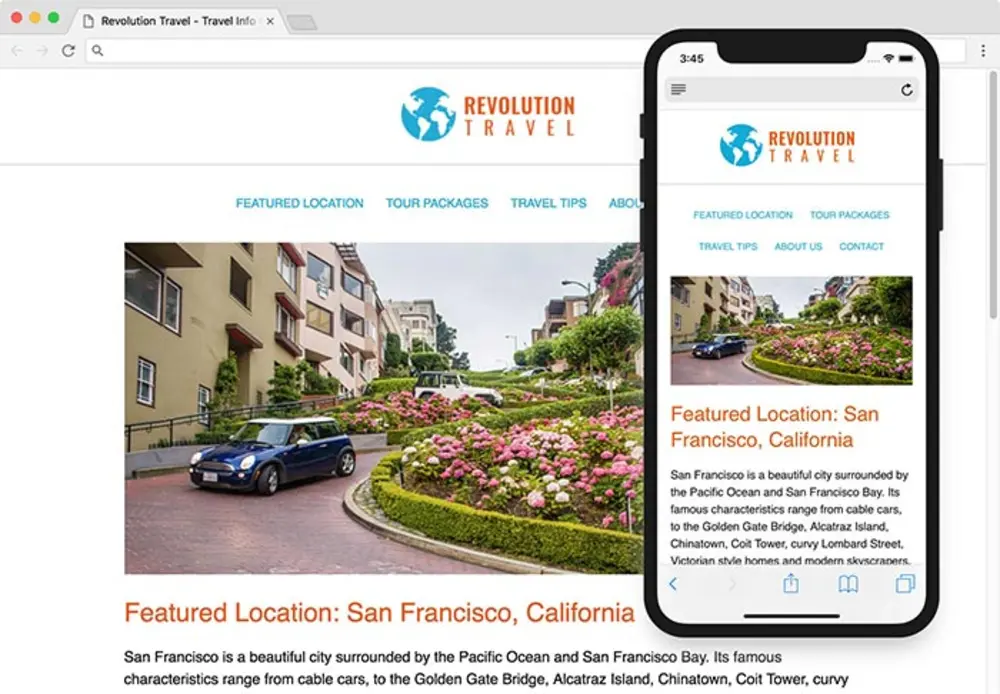
Travel website coded to be responsive on mobile
Create fluid layouts that work across devices.
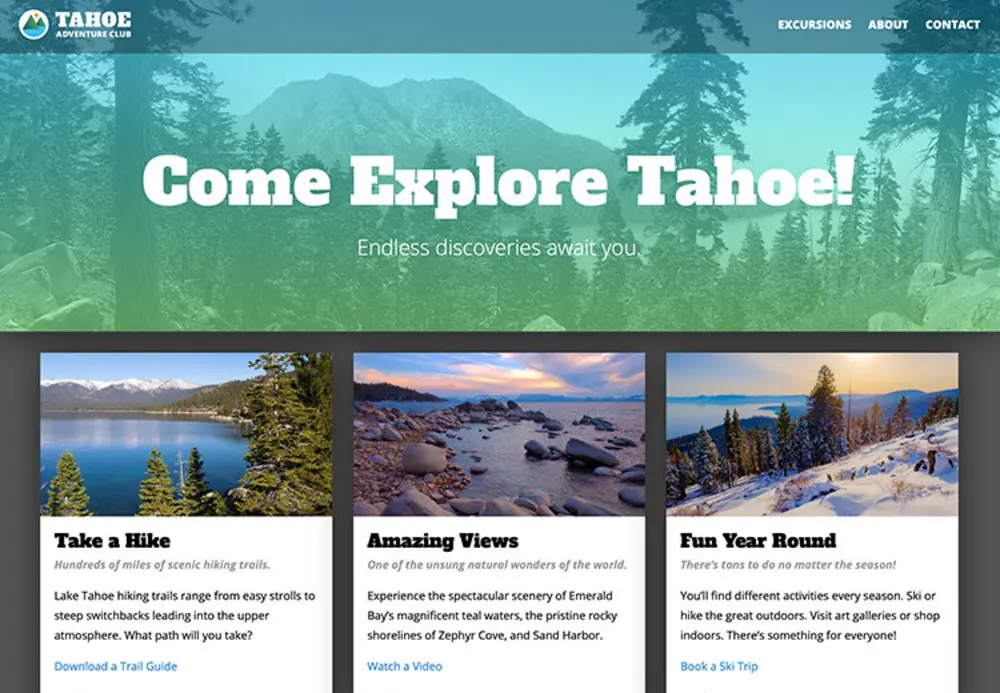
Create JavaScript-based Scrolling Animations with GSAP (GreenSock Animation Platform)
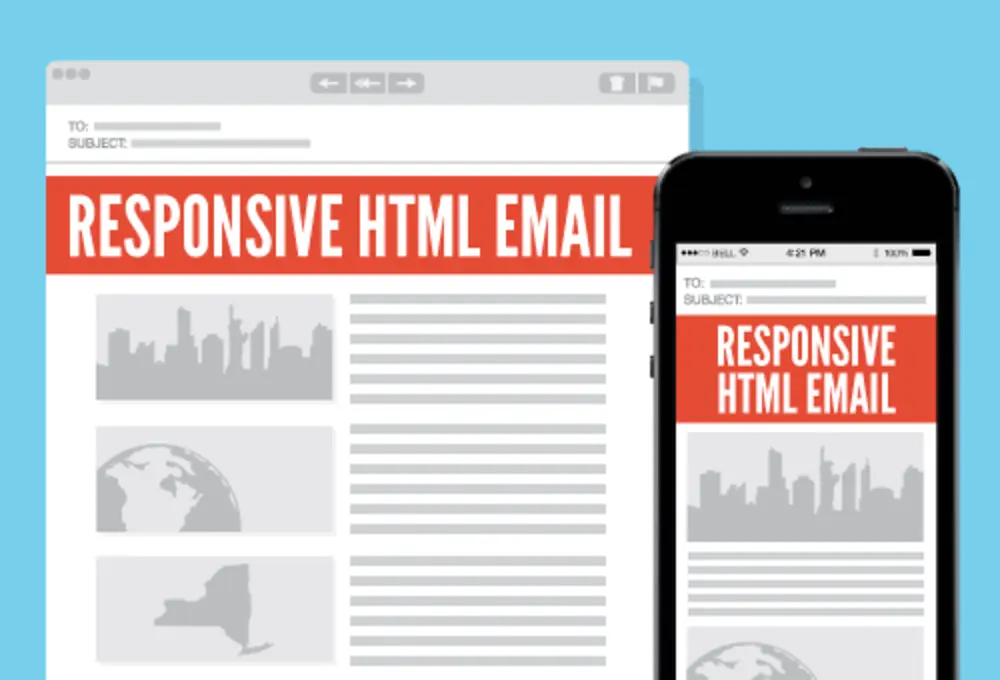
Create HTML5 animated banner ads using GreenSock that can be submitted to Google Ads
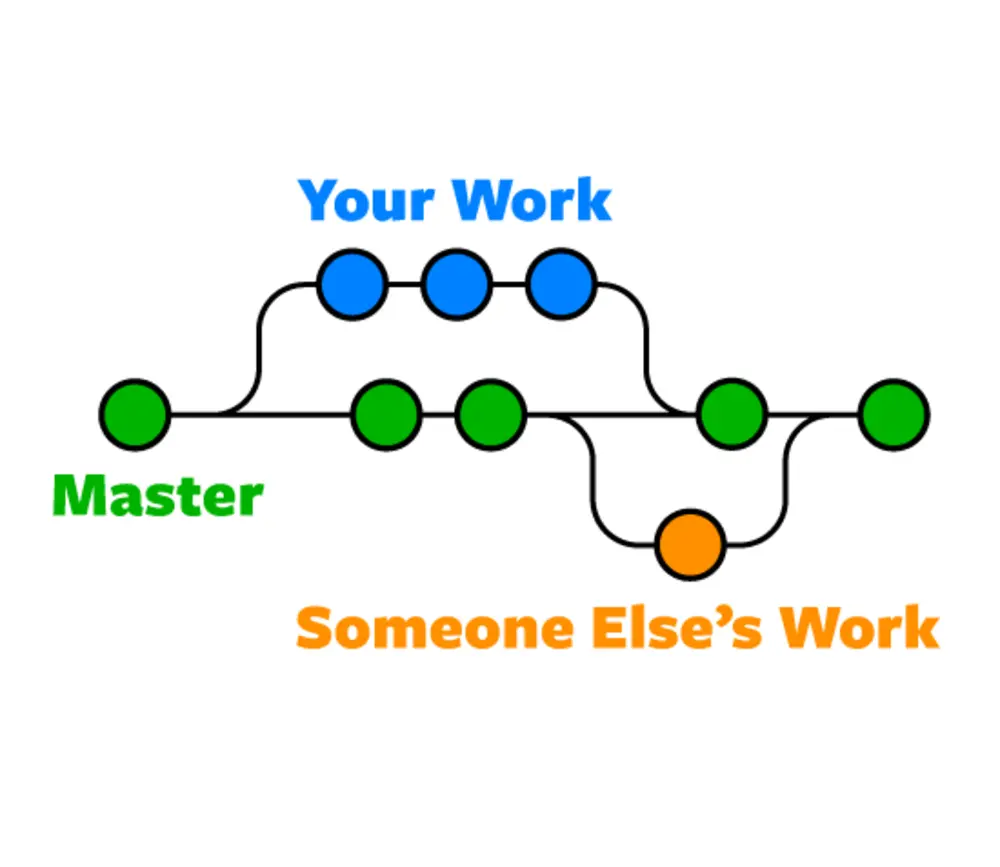
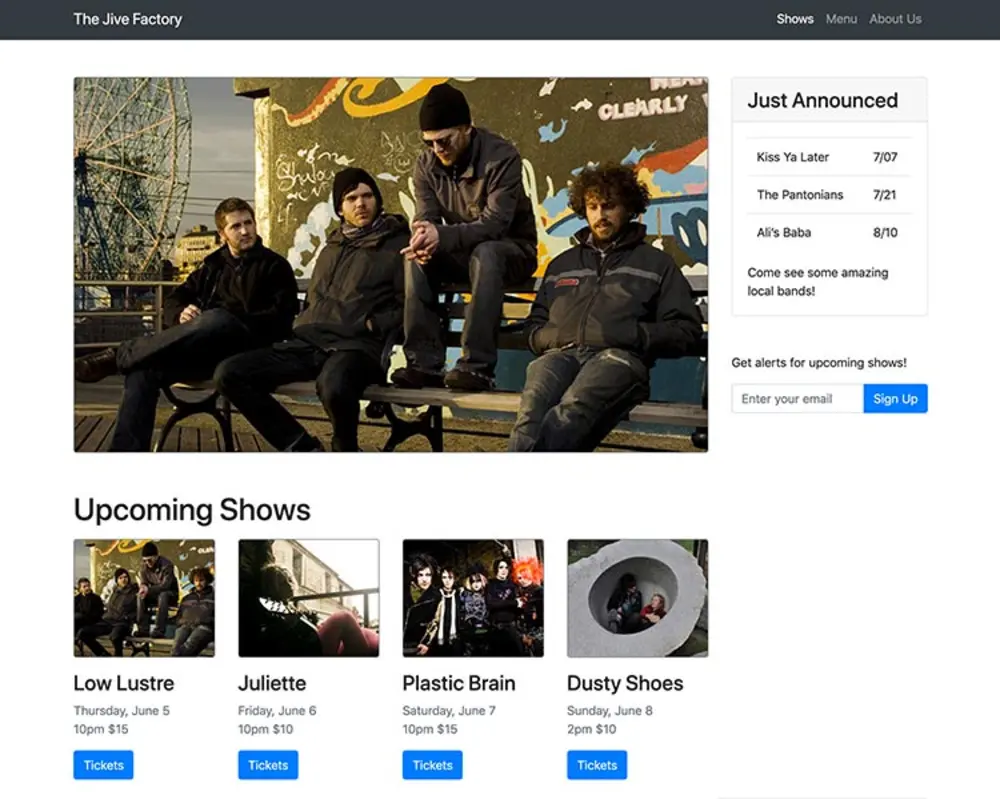
Add interactivity & update content based on what a user does
Courses in this program
9 courses, 162 hours total. Each one is a scheduled, in-person class, not a recorded lecture.
- Figma Bootcamp12 hrs
- UI Design Bootcamp30 hrs
- Web Development with HTML & CSS18 hrs
- Advanced HTML & CSS18 hrs
- Flexbox, Grid, & Bootstrap12 hrs
- JavaScript for Front-End18 hrs
- Front-End Tools & Portfolio18 hrs
- HTML Email Bootcamp6 hrs
- WordPress Bootcamp18 hrs
Electives included at no extra cost
- AI for UX & UI Design 18 hrs
Schedule and enrollment
- Free retake within a year
- Class recordings for 30 days
- 1-on-1 mentoring included
- Interest-free payment plans
- Certification handled by our SCO
All sessions meet in person at 185 Madison Avenue, and dates and times are Eastern. Pick a date to prefill your enrollment, or ask us to help you choose. Nothing is submitted to VA and nothing is binding until you decide.
| Start | Ends | Days | Times | |
|---|---|---|---|---|
| Jan 5, 2027 | Feb 10, 2027 | Mon to Fri | 10:00-17:00 | Choose this date |
| May 11, 2027 | Jun 25, 2027 | Mon to Fri | 10:00-17:00 | Choose this date |
| Sep 7, 2027 | Oct 14, 2027 | Mon to Fri | 10:00-17:00 | Choose this date |
Web Design Certificate reviews
Reviews from Noble Desktop students in this subject area, as published on nobledesktop.com/testimonials. These are individual experiences and are not a promise of any particular result.
I feel like I learned what I need to know to build a basic website, thanks to the instructor's explanations, demos, examples, and walkthroughs.
I had always wanted to learn web design but wasn't sure where to start. Noble Desktop gave me the push necessary to get a firm grasp on the basics and build the foundation to explore on my own.
I spent a lot of time researching different schools and couldn't be happier that I went to Noble Desktop for the Web Design Certificate. The instructors are great and you cover a lot of material.
Tuition and your VA benefits
How class runs
Every VA-approved program here meets in person at 185 Madison Avenue in Manhattan, with an instructor in the room rather than a recorded lecture. Classes are small, you work on your own machine, and you can ask a question and get an answer in the moment.
- In person in NYC. 185 Madison Avenue, near Madison Square Park, on the 4/6, N/R/W, F/M and PATH.
- Recordings if you miss one. Available for 30 days after each session, so a missed class is recoverable.
- Retake free within a year. Sit any class in the program again at no cost, for any reason.
- An SCO handles the VA side. One of our School Certifying Officials submits your enrollment certification so you are not chasing it.
Printed workbooks included. This program comes with detailed workbooks, in print or ebook, at no additional cost.
Expert instructors
The instructors who teach this program at Noble Desktop. You learn from working practitioners, in the room.
-
 Dan RodneySchool Director, Instructor, & Senior Course Developer
 -
 Michael SuenInstructor
 -
 Christophe DraytonInstructor
What you will learn
- Learn to design websites for mobile and desktop
- Learn Figma for designing and prototyping the UI (user interface) of websites, apps, etc
- Create projects to add to your portfolio
- Build the front-end of webpages by coding HTML, CSS, and JavaScript
- Code fluid-width layouts that adapt to different sized screens
- Learn JavaScript to add animation and interactive functionality to your webpages
- Use and customize Bootstrap to build out layouts quickly, using its grid system and components
- Use Git to track changes in your code and collaborate with other developers
- Build websites using WordPress, the world’s most popular CMS (Content Management System)
- Learn how HTML and CSS are also used to code HTML emails
Skills covered
The tools and technologies this program teaches.
- HTML
- CSS
- Front-End JavaScript
- WordPress
- Web Design Principles
- Figma
- HTML Email
- Visual Studio Code
- Git
- GitHub
- CSS Flexbox
- CSS Grid
- Bootstrap
- Chris Cantley
Your certificate
Finish the program and you receive a verified certificate from Noble Desktop, which is licensed by the New York State Education Department. It states the program and the hours completed. It is a school credential, not a state licence or an industry certification, and we do not claim it is one.
Frequently asked questions
Can I use my GI Bill® for this program?
Will my benefits cover the whole cost?
Is this program online or in person?
How do I enroll using my benefits?
What if I have used part of my benefit already?
Other Design programs
If you are weighing two of them, call and we will talk it through against your entitlement and your timeline. Every approved program is on the main hub, filterable by track.
GI Bill® is a registered trademark of the U.S. Department of Veterans Affairs (VA). Approval of Noble Desktop's programs for VA education benefits does not constitute endorsement by VA or any government agency. VA determines eligibility and payment amounts.